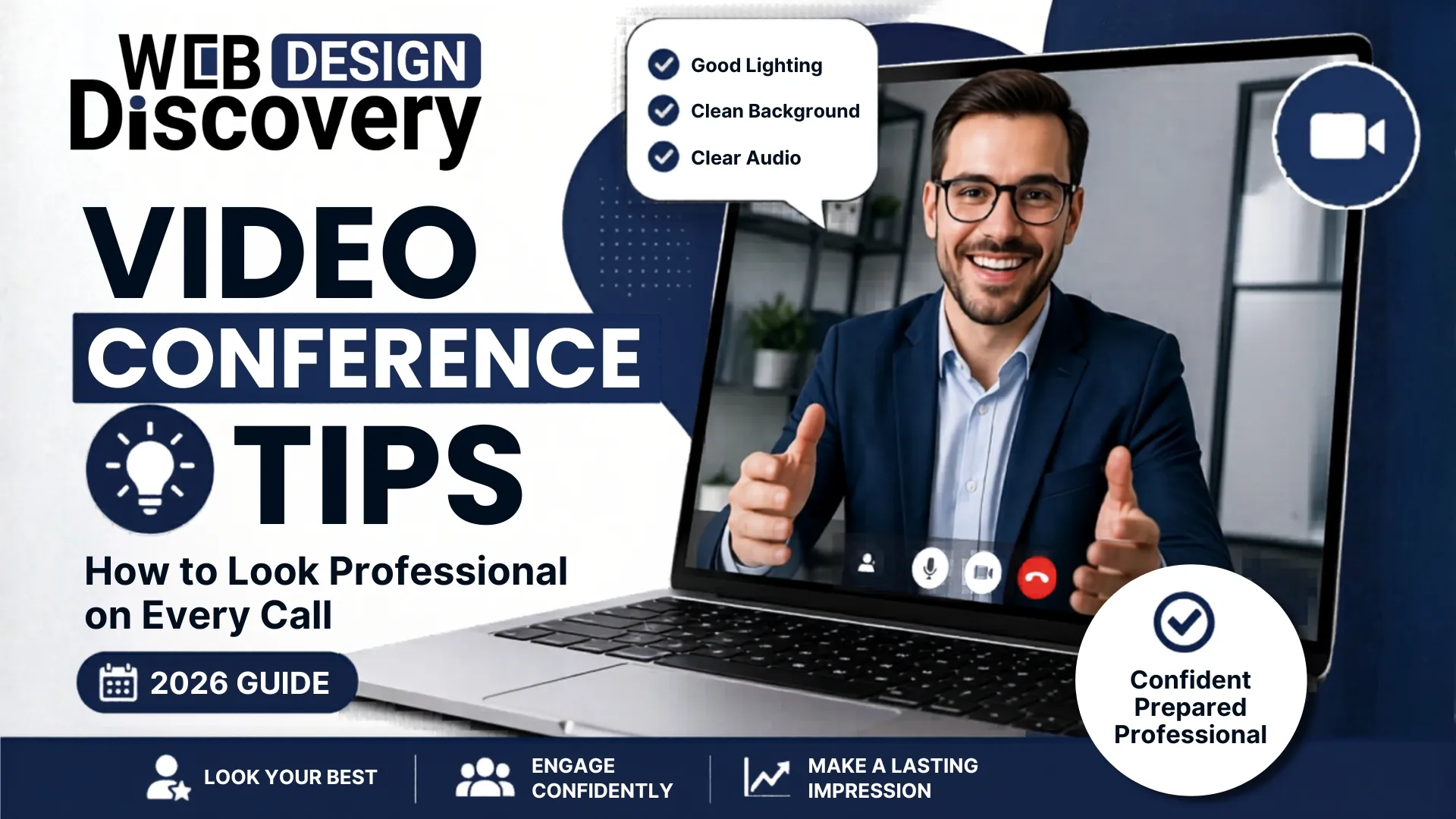
Video conferencing has become a regular part of our lives today. Whether it is an interview or any other kind of client interaction, your screen presence becomes crucial to how others perceive you.
From lighting to your posture, these little things have a huge impact on your screen presence. Most people overlook these essential points and fail to make an impression on others. Fortunately, there is no special skill set required for you to rectify these things. Just a few adjustments and you will be able to make a better impression in all your video conferences.These video conference tips will help you look confident, clear, and professional without needing expensive equipment.
By 2026, everything will be digitalized.
To summarize, your setup speaks about your professionalism.
1. Adjust Your Lighting
Lighting is crucial when it comes to presenting yourself.
Proper lighting emphasizes your professional appearance.
2. Place Camera at Eye Level
The camera height matters for conveying non-verbal communication.
It highlights your confident attitude.
3. Select a Clean Background
The background gives an impression to viewers.
A clean background ensures focus on you.
4. Speak Clearly
Clear audio is important when it comes to communication.
Listeners will easily understand you with a clear voice.
5. Keep Eye Contact
Eye contact builds relationships.
Keep your notes near the camera.
These are some useful interview tips for video conferences.
Even the little mistakes can be negative to your reputation. The meaning of each of the mistakes is as follows:
Late attendance at meetings
Lateness is a sign that you have problems with time management and respect the time of other people. It also implies that you were not ready initially.
Being distracted in a manner of appearance
Looking at nothing, glancing at your phone and distant expressions are indications that you are bored and not involved in the conversation.
Having improper posture
Bending over, sitting in a casual posture or lying on a sofa means that you are not professional and energetic. To be professional and concentrate on the conversation, be seated straight.
These are some of the mistakes that you should avoid in order to remain professional.
Most participants call in using their cellphones. These are some tips for conducting an effective video conference using your Android to iPhone:
A good tool will be chosen and this will provide a pleasant experience. Others include popular video conferencing applications such as:
Zoom: Best to use in meetings and webinars; user friendly.
Google Meet: It can be used with Gmail and other Google services.
Microsoft Teams: This is very useful with collaboration within a business environment.
Cisco WebEx: Known to be secure.
Note: Skype is officially no longer recommended, and has been discontinued.
Select a suitable application as per your requirements.
External cameras improve visual quality.
This is useful for interviews and client calls.
Stable internet prevents interruptions.
A stable connection ensures smooth communication.
Meeting Owl Pro helps in group meetings.
Useful for offices and conference rooms.
Run this quick check before every call:
Camera at eye level
Keeps your face aligned and makes you look confident. It also creates a natural, direct conversation feel.
Good lighting
Your face must be clearly visible. Proper lighting makes you look more professional and presentable.
Clean background
Removes distractions for the viewer. A simple setup keeps the focus on you.
Clear audio
Helps others understand you without effort. Good sound quality is more important than video clarity.
Stable internet
Prevents lag, freezing, or call drops. A smooth connection keeps the conversation uninterrupted.
Professional outfit
Creates a strong first impression. Dressing well boosts both confidence and credibility.
A quick setup check avoids last-minute issues and helps your call run smoothly.
Vocabulary can be enhanced with the help of such tools as Word Coach, yet when used improperly, it can damage your communication.
Do not use complicated words where necessary
Difficult words should not be used in order to be smart since it may make the listeners confused. Use simple words to make your message more comprehensible.
Avoid sounding unnatural
The tendency to think of vocabulary can interrupt your flow of speech. Talk only more like you would.
Focus on clarity
Having clarity is more important than fancy words. You are not to impress, you are to be understood.
Plain language is the best
People are associated with easy words. They render your message close, understandable and efficient.
Looking professional on video calls is about small improvements, not expensive tools.
Follow these tips for video conference to:
Want to improve your overall digital presence? Visit webdesigndiscovery.com and create a professional online identity that stands out.
1. What do I need to do to prepare a video conference?
Preparation is necessary to check the device, test audio/video, take notes, and be on time.
2. What are the 5 Major Significances of Video Conferences?
They help save time, cut down costs, facilitate working remotely, enhance communication, and bridge global connections.
3. How to Appear Good during a Video Conference?
Good appearance is guaranteed by good lighting, eye level camera positioning, good dressing and eye contact.
4. How to improve video conferencing?
Video conferencing can be made more effective with a good sound, internet, proper lighting, and proper platforms.
5. What to do in order to begin a 30-second video interview?
Give a short introduction about yourself, mention your strengths and prove that you are the right person to do the job.
6. What Not to do at a Video Conference?
Be careful of distractions, poor lighting, unnecessary noises, and not facing the camera.
7. What are Video Conference Platform in 2026?
The most efficient platforms are Google meet, Zoom, Microsoft Teams and Webex.
8. What is Internet Speed to use in Video Conference Call?
The speed needed is 10Mbps and above.
9. What are the three types of video conferencing?
One-on-one meetings, group discussions, and seminars.
10. What are the Essentials of Success in Conference?
Good audio/video, preparation, active participation and proper communication are of great use.
 +91 9465573673
  creative_preet
  info@webdesigndiscovery.com