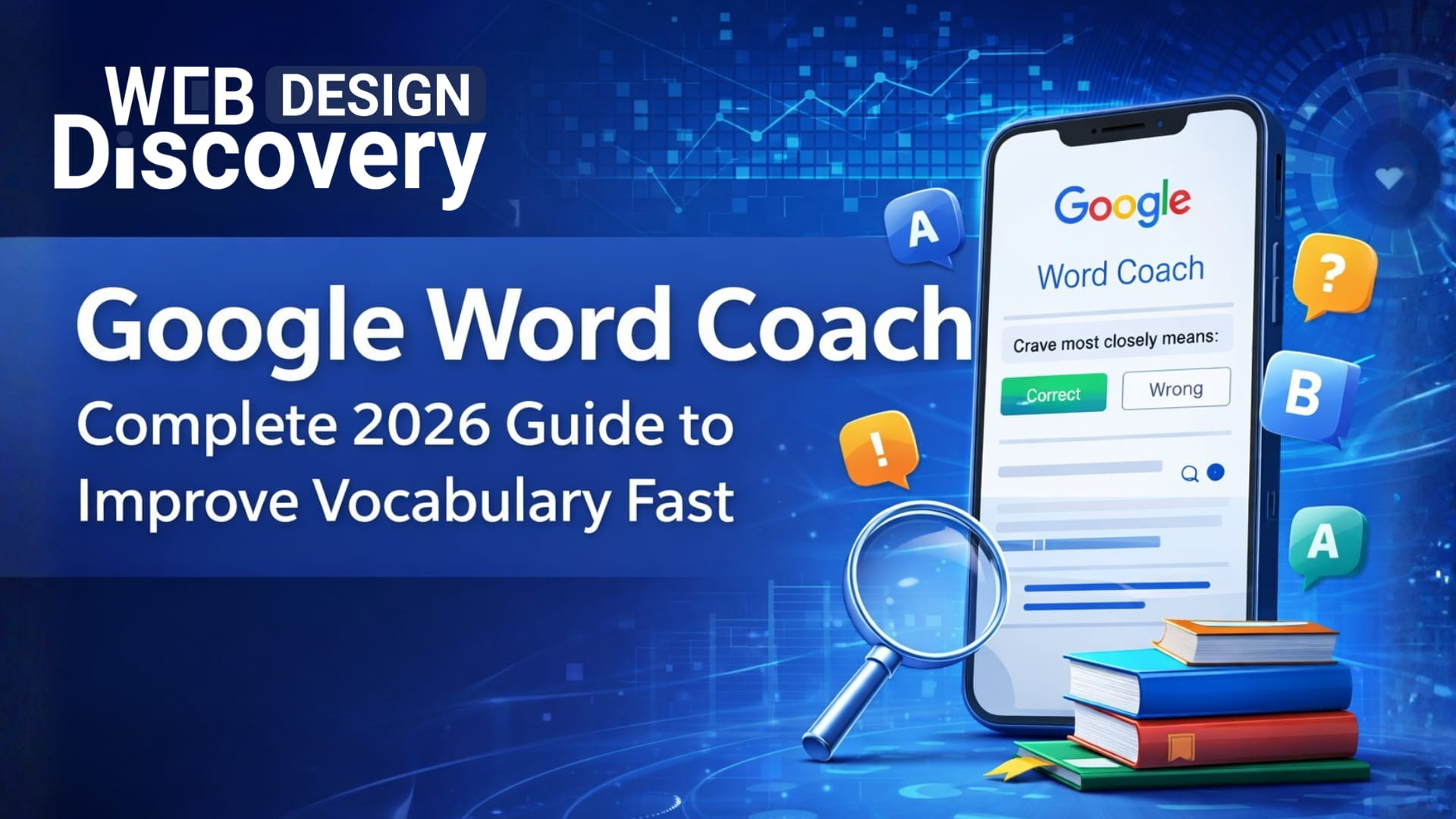
It is no longer a matter of textbooks or costly courses to enhance English vocabulary. Vocabulary building has been simplified and is more interactive in 2026 with the use of smart learning tools. Google word coach is one of such tools that have become immensely popular.
As a student, job hunter, or a person who would like to enhance his/her communication abilities, this tool can provide a chance to learn new words in a simple and entertaining manner every day. It is fast, user friendly, and is intended to be applied in practice.
Here, you will know all about Google Word Coach, how to make it work to your advantage, and how it fares against other vocabulary tools.
Google Word Coach is an interactive vocabulary quiz game created by Google and is a fun game. It is shown on the first page when you search on similar topics such as:
The tool offers multiple choice questions in which you are required to choose the correct meaning, synonym or opposite of a word. It is created to assist users to develop their vocabulary in an easy and interesting format.
Key highlights:
It is particularly common in the countries where users are actively acquiring English skills to study and work.
Method 1 – Access through Google Search
It is the most widespread and easy way.
Steps:
You will instantly find questions that have multiple choices. Google reveals the correct explanation after every response, enabling you to learn on the spot.
Method 2: Google Word Coach Online
It is also possible to access Google Word Coach indirectly when performing some searches.
Try searching:
The Word Coach quiz panel can appear automatically in Google. This is referred to as Google Word Coach Online, because it does not require any downloading.
The most frequent question is related to downloading the tool.
The answer is simple:
Google Word Coach cannot be downloaded as a standalone app. It cannot be found on such application stores as Google Play or Apple App Store. Rather, it is an in-built feature of Google Search.
But you can easily do it:
And, as the tool is online-only, whereas the search term Google Word Coach Download is popular.
Google Word Coach is unique due to its simplicity and power.
1. Interactive Quiz Format
The tool will be a test of your knowledge with multiple choices. This makes learning interesting and not as stressful.
2. Instant Feedback
You are provided with explanations after each answer. This will make you realize the error in a moment.
3. Beginner-Friendly Design
Its interface is easy and straightforward and is ideal to use by users unfamiliar with learning English.
4. Vocabulary Variety
It includes:
5. Mobile Optimization
Google Word Coach is compatible with smartphones and can thus be used to learn anywhere.
Everyday practice using the tool could help a lot in enriching your vocabulary, yet it is important to do it right.
1. Practice Consistently
Minimum of 10 to 15 minutes a day. Long-term memory is developed by practice.
2. Focus on Understanding
Do not randomly pick answers. Read the explanations thoroughly.
3. Note New Words
Keep a journal or electronic list of new vocabulary. Revise them regularly.
4. Use Words in Sentences
Attempt to use newly acquired words in discussions or writing. This improves retention.
5. Repeat Levels
Going through quizzes again will solidify your learning and will enhance accuracy.
Various vocabulary learning aids are available in the market nowadays. Google Word Coach compares to this:
Google Word Coach
Other Vocabulary Apps
Such applications as Duolingo, Memrise, and Quizlet can be considered.
Key Difference
Google Word Coach is the most casual and fast way to learn, whereas other tools provide an in-depth and structured learning journey.Google Word Coach is very helpful to practice daily and to improve quickly.
The tool is intended to be used by a broad audience.
Students
Helps enhance vocabulary in exams, essays and communication.
Job Seekers
Develops English proficiency to interview and communicate in the workplace.
Beginners in English
Offers an easy method of education without too much to cover.
Non-Native English Speakers
Perfect to develop trust in natural dialogues.
Casual Learners
Best suited to those who would like to learn some new words each day without the long courses.
Although the tool is not complex, users can easily commit unnecessary errors.
1. Guessing Answers Randomly
This lessens the effectiveness of learning. Always try to understand before selecting.
2. Ignoring Explanations
Explanations are the true worth. Omission reduces the improvement.
3. Irregular Practice
It will not give good results if it is used occasionally. Consistency is key.
4. Not Applying Learned Words
When one learns but does not put it into practice, he/she forgets easily.
5. Using Word Coach Only
Although beneficial, it must be supplemented with reading, writing and speaking.
In 2026, users are seeking quick, convenient and useful learning tools. Google Word Coach can live up to these expectations.
Reasons Why it is worth using:
Limitations:
On the whole, it is a great vocabulary-building tool that helps learners, particularly beginners and intermediate learners to develop vocabulary faster.
Google Word Coach is now one of the easiest and efficient tools to enhance the vocabulary of English in 2026. Its quiz-style system makes the learning interesting and instant feedback guarantees actual comprehension.
It is not a substitute for full language learning platforms but is a potent daily practice tool. Through practice and proper approach, you can greatly increase your vocabulary and communication capabilities.
As also observed by experts at Webdesign Discovery, simple and consistent digital learning habits can lead to long-term improvement in communication skills.
Google Word Coach is also worth a shot in case you need a fast, free, and efficient method of enhancing your vocabulary in English.
1. Does Google Word Coach?
Google Word Coach is a vocabulary quiz tool that helps users learn English words through interactive questions and answers.
2. Is Word Coach safe?
Yes, it is completely safe. It is a feature provided directly by Google and does not require downloads or personal data.
3. Can the answers to the Google Word Coach be trusted?
Yes, the answers are generally reliable as they are based on standard English definitions and usage.
4. Does Google Word Coach work offline?
No, it requires an internet connection since it runs through Google Search.
5. What is the reason why I should use Google Word?
You should use Google Word Coach to improve your vocabulary quickly, especially if you prefer short and interactive learning sessions.
6. Is Google Word Coach free?
Yes, it is completely free to use with no hidden charges.
7. Is Google Word Coach good for beginners?
Yes, it is highly suitable for beginners due to its simple interface and easy-to-understand questions.
 +91 9465573673
  creative_preet
  info@webdesigndiscovery.com